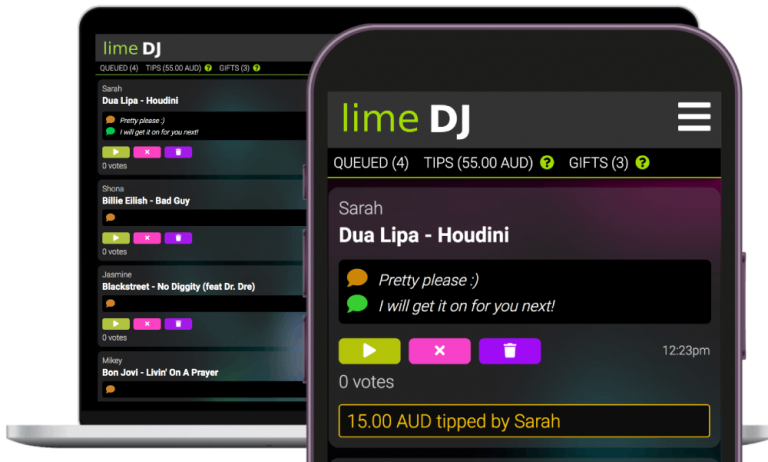
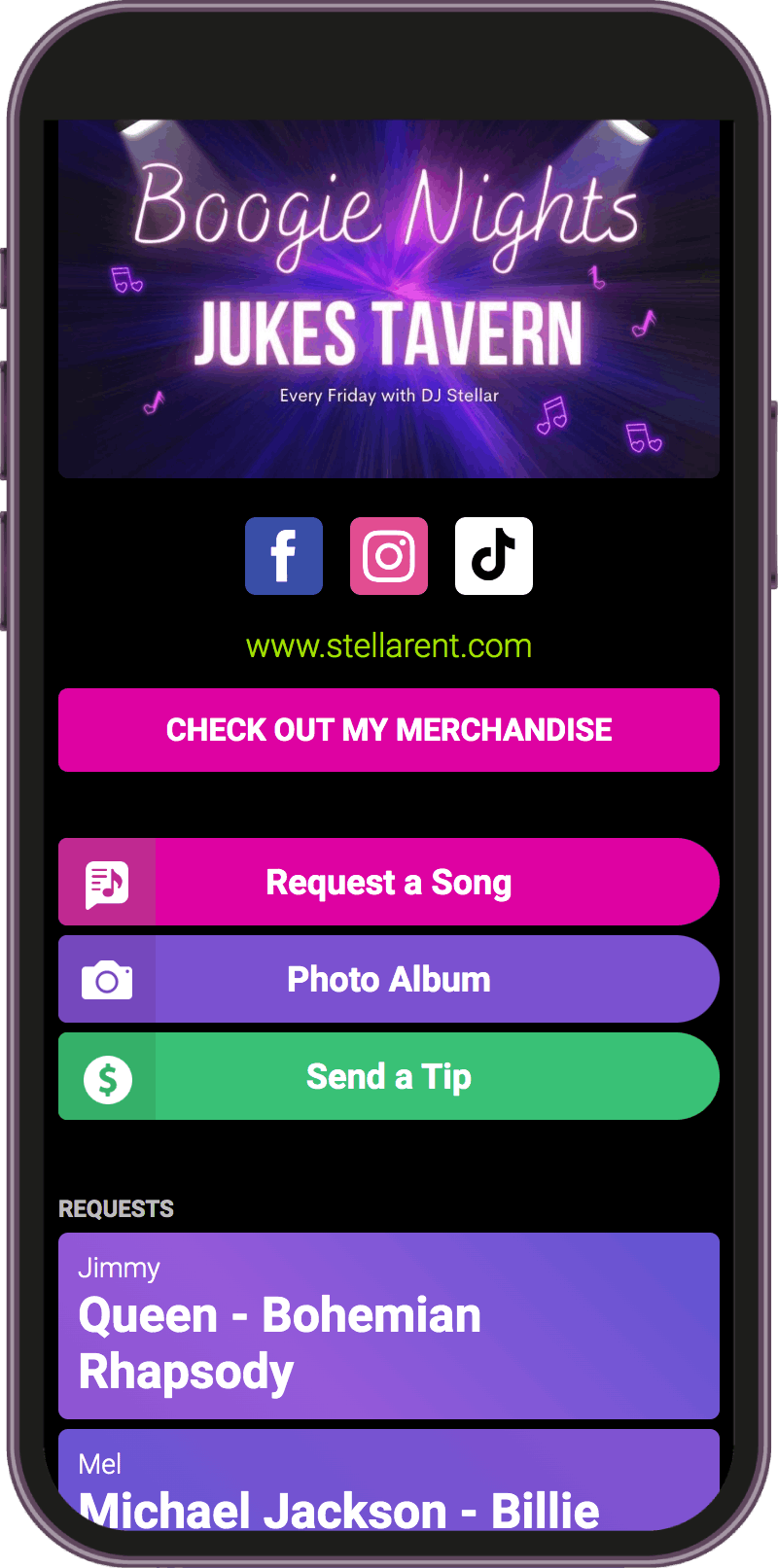
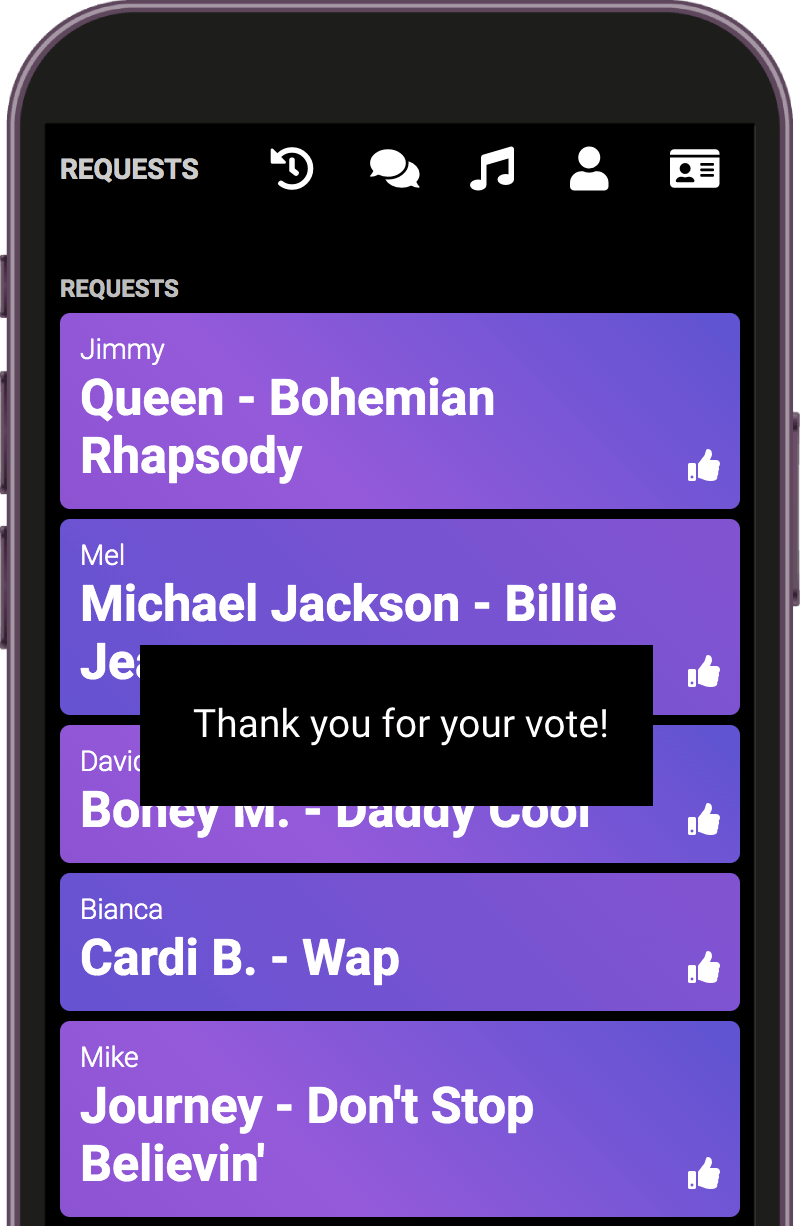
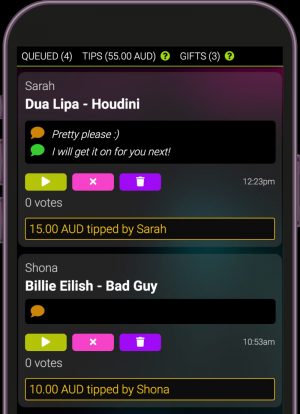
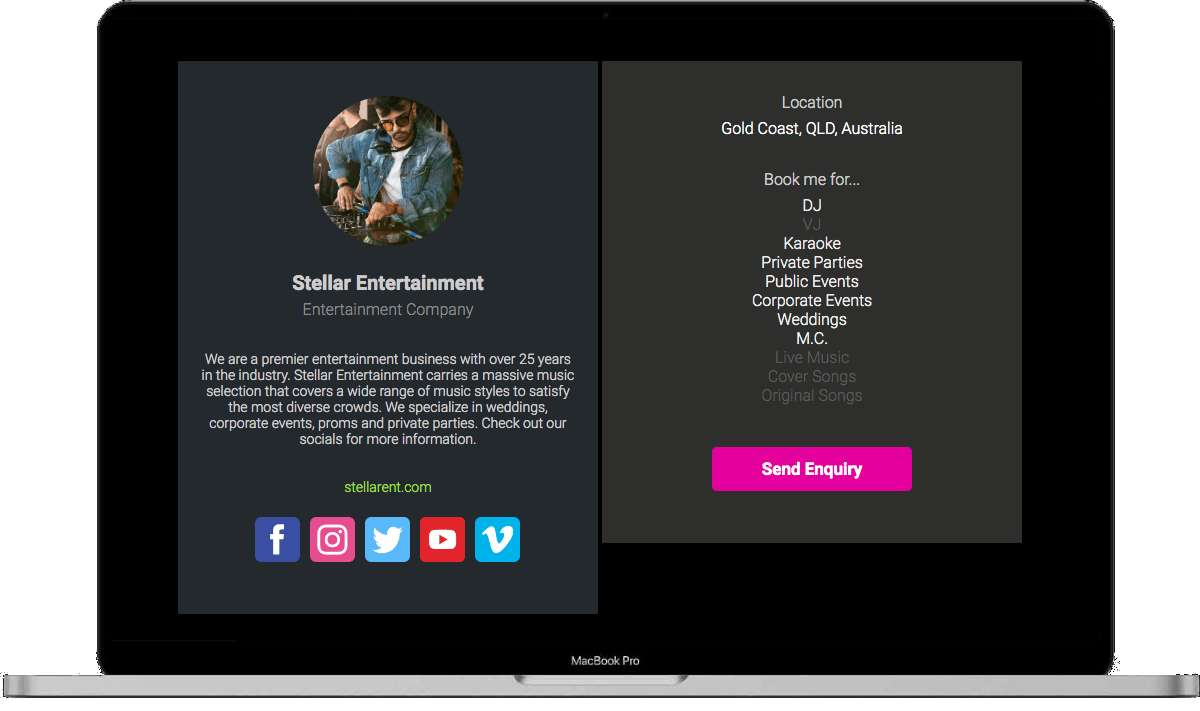
Lime DJ is an interactive platform for entertainers & performers allowing you to easily take song requests, receive tips, promote your business plus much more...
No app download is required, anyone with a smartphone can use it!
Built for all performers and entertainers, not just DJ’s!
Seamless Interaction, Unmatched Engagement:
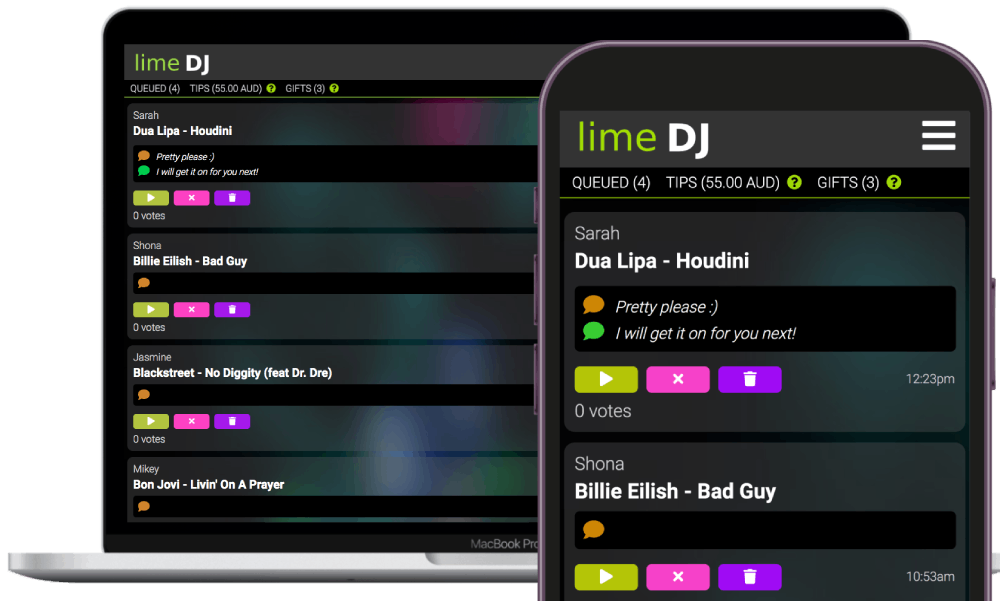
Lime DJ provides a dynamic stage where entertainers and their audience seamlessly connect, whether you are a DJ, band or solo performer. Engage your audience like never before with our interactive features, allowing real-time song requests, messaging and tipping.
Cross-Platform Compatibility:
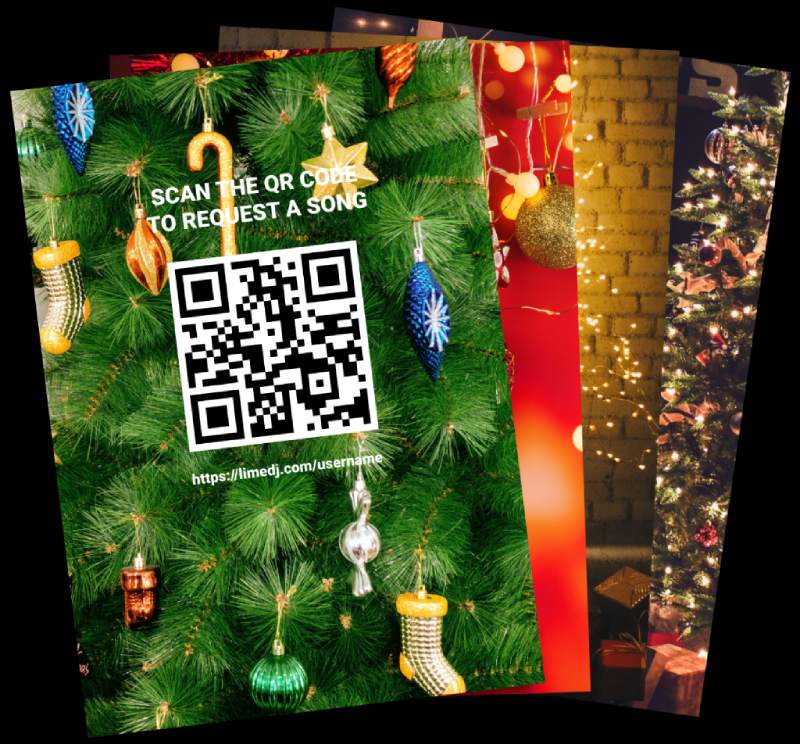
Lime DJ works seamlessly across all devices, ensuring your audience can easily connect with you. No app download or registration is required by your audience! Our platform creates QR codes which allows easy access to your pages.
Lime DJ is currently being used in 111 countries around the world by professional DJ's, karaoke operators, solo performers, bands, radio stations and venues.
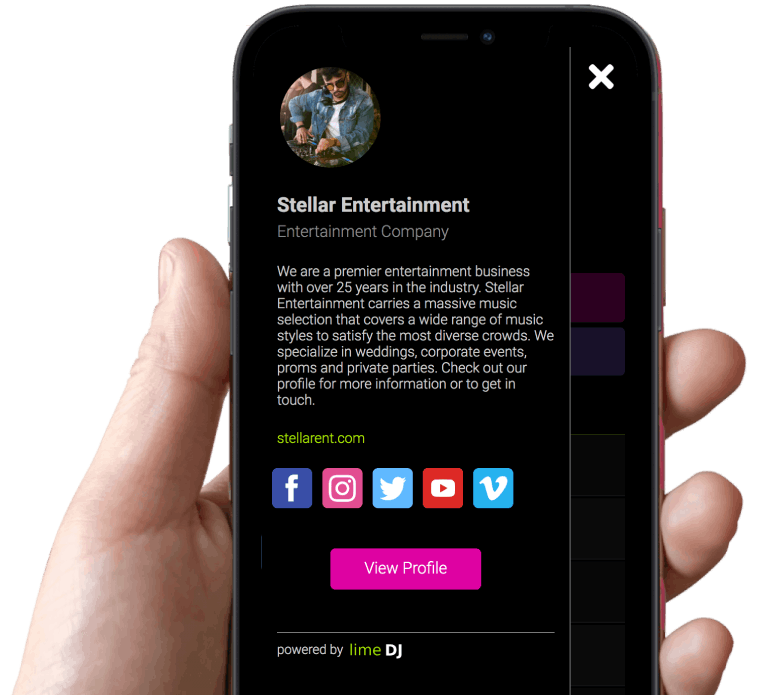
Featured Performer Profile
Trevor Jones is a piano bar entertainer who travels the world entertaining crowds with his high energy shows built completely around audience requests. We caught up with Trevor for a quick chat recently while he was in Brisbane performing at a festival…
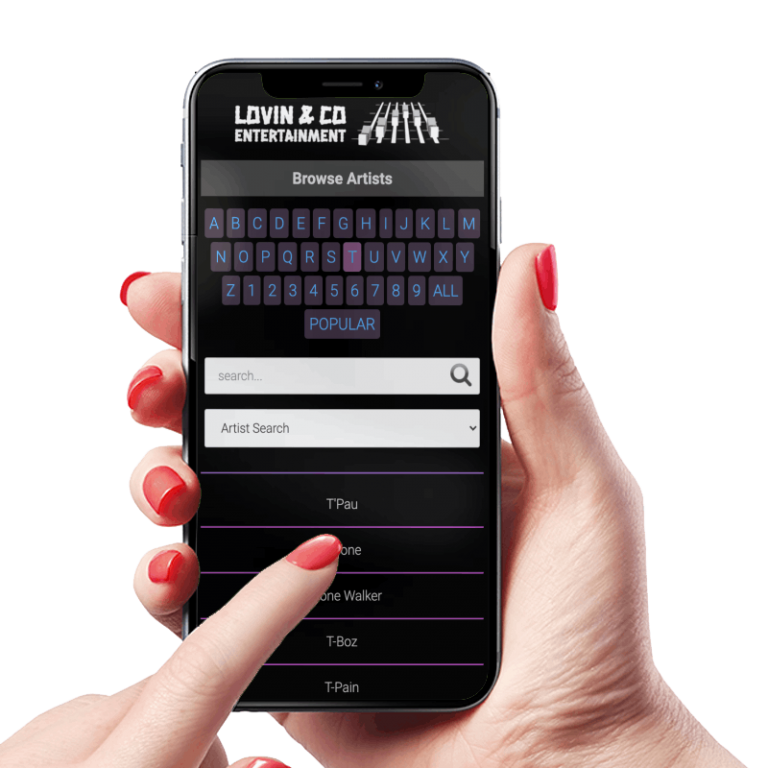
You don't need to have a song database to take requests, but if you do... Lime DJ will allow your audience to search it and request from it. Support for multiple databases eg; karaoke, DJ, VJ, live sets, genres etc..
Use the Song Manager to edit, add or delete songs in your database. Create custom songlists for gigs etc..
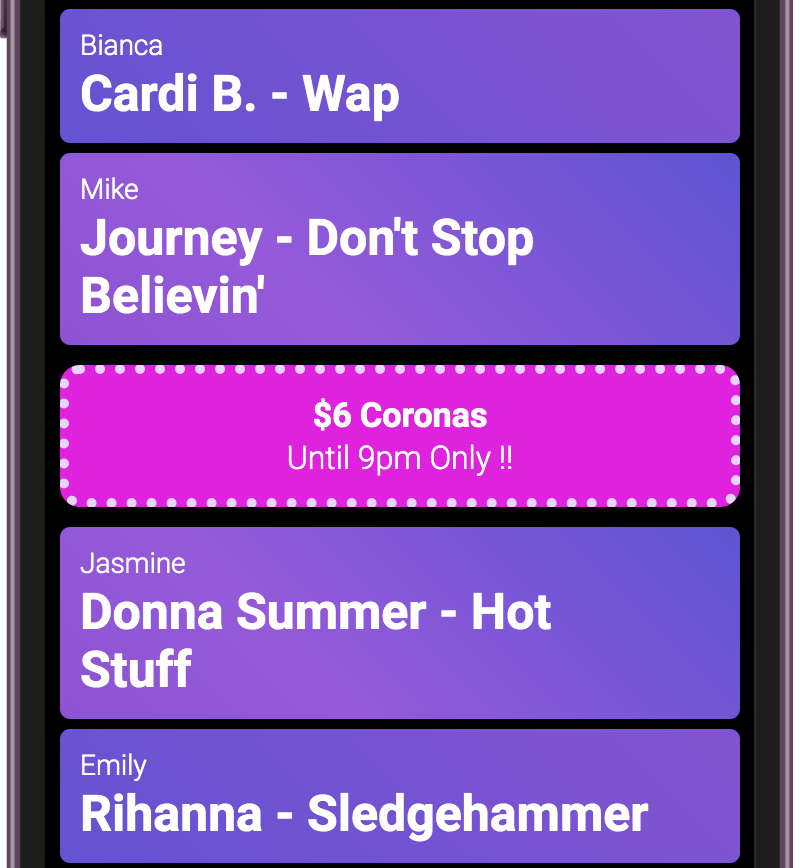
Create ads to promote upcoming events, specials at the bar or your own business. You decide where they get displayed...
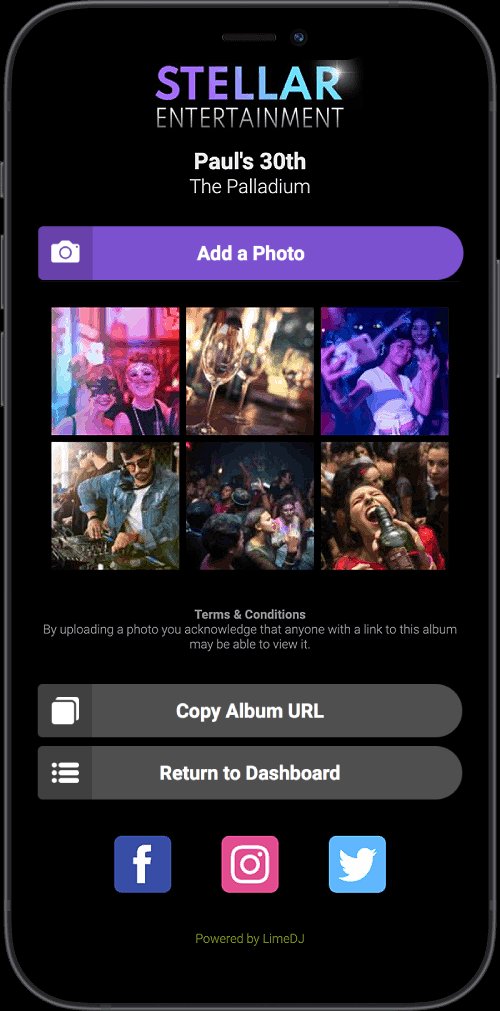
Capture the vibe of your event by allowing your guests to take photos and upload them to a shareable photo album. Download all photos in a zip file to give to your client (ideal for weddings)
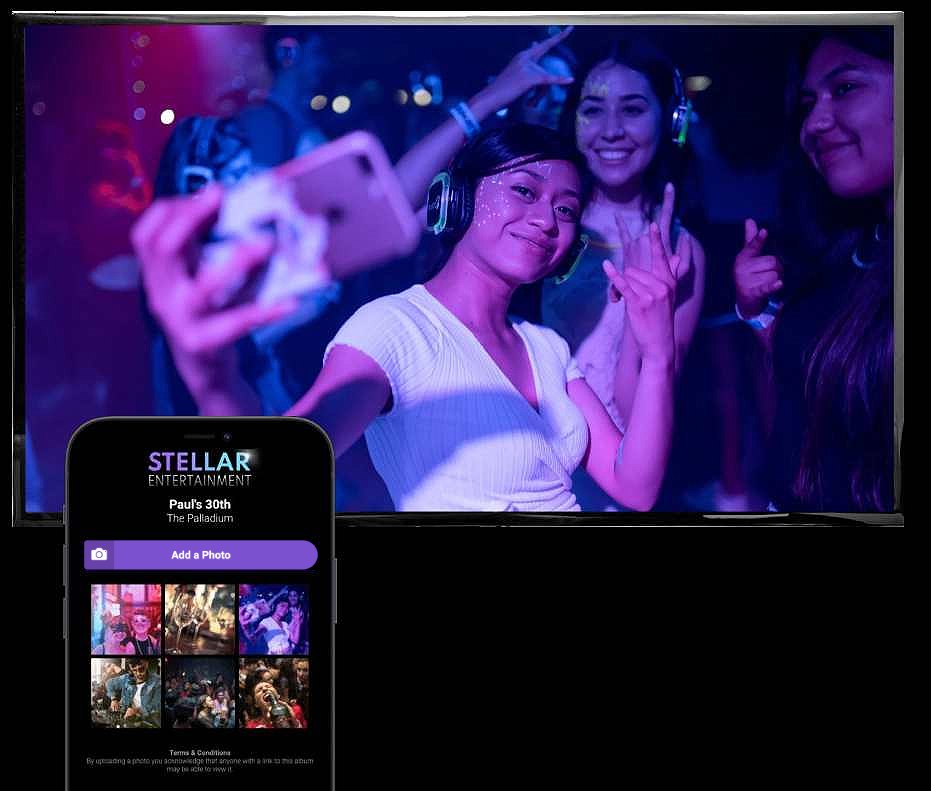
Create a live slideshow of the photos people are taking at your event. Add text to overlay on your slideshow eg; congratulate the married couple, display your QR code etc.. Open your slideshow on any Smart TV.
NEW - multi language support
Translate your public request pages into over 100 different languages.
The new Virtual Gift feature on Lime DJ allows the audience to send you, the performer virtual gifts. Virtual Gifts can be redeemed for cash to your connected Stripe account or if you don’t have a Stripe account you can redeem your virtual gifts for account credits.
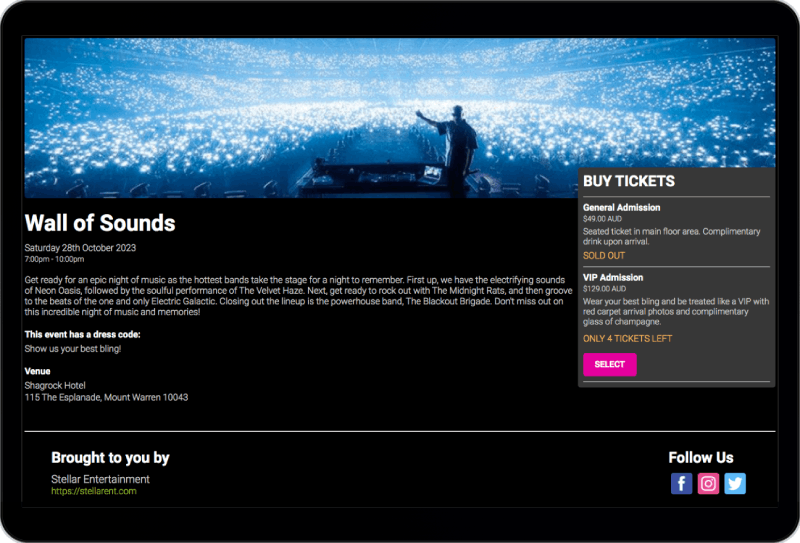
Event Ticketing
Create a page for your event and sell tickets online. Complete with our own ticket validation portal and integrated ticket scanner.
No paid account is required to use our event ticketing system!
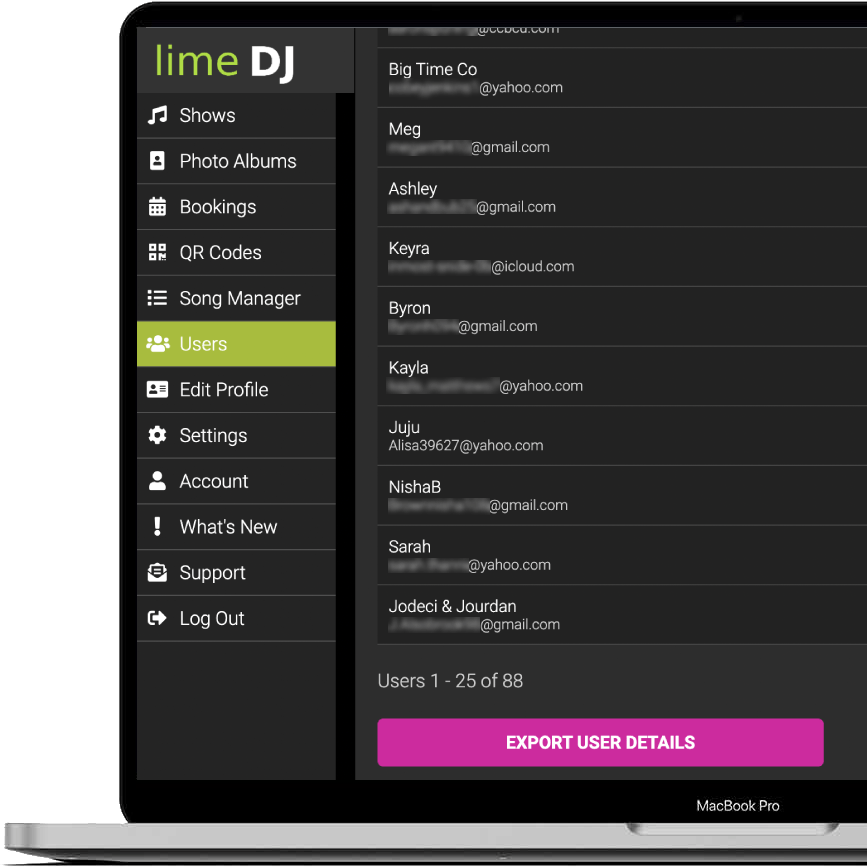
Build a mailing list by optionally requiring your audience to enter their email address when making a song request
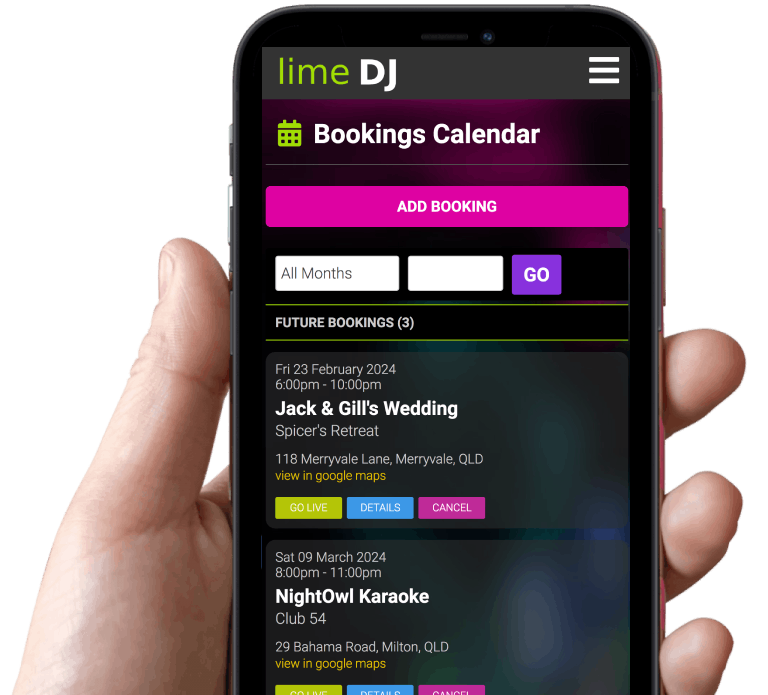
Bookings Calendar
Save all your gig bookings in a calendar to easily recall important details when you need them. Get directions to the venue and GO LIVE to take song requests with one click.
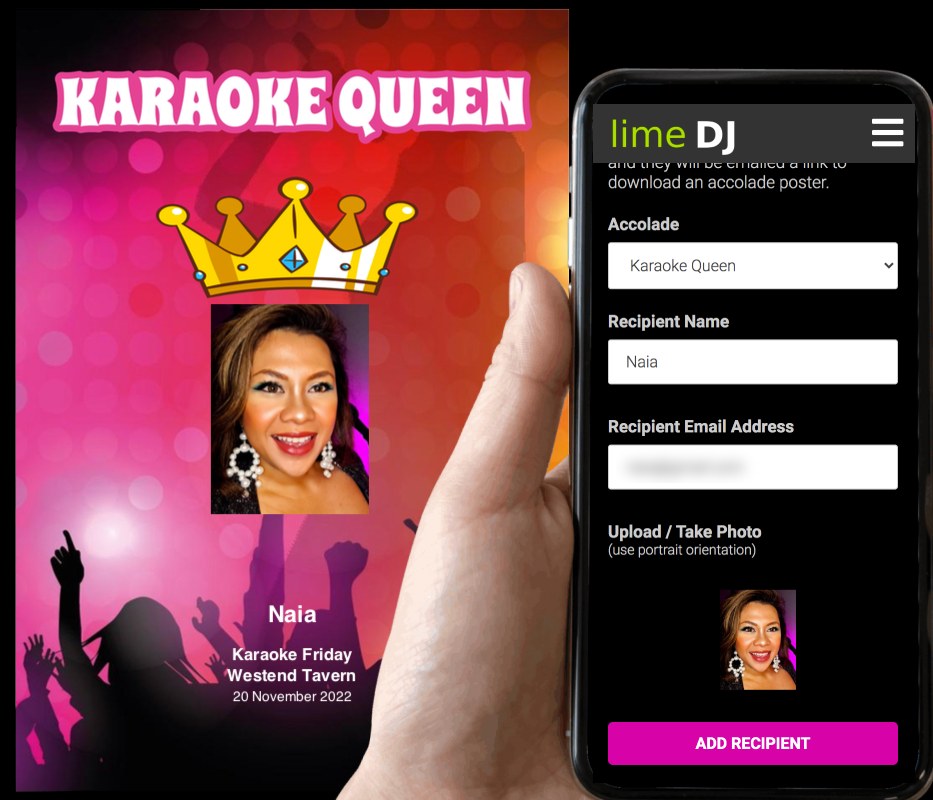
Create downloadable accolades for participants in karaoke events
Client Portals
Create customized client portals to collect the information you need from your customers for weddings and large events. Your client can access the portal with their own login to complete details in their own time.
no card or payment details are required for full featured free account
FREE ad-supported account
paid subscriptions from just $11 USD / month (when paid annually) or $12 USD / month casual access
We listen to our users... the Lime DJ platform is constantly evolving as we update and add new features to make it the best interactive platform available for entertainers